A tutorial series · Tang Nano 9K
The NandTier Series
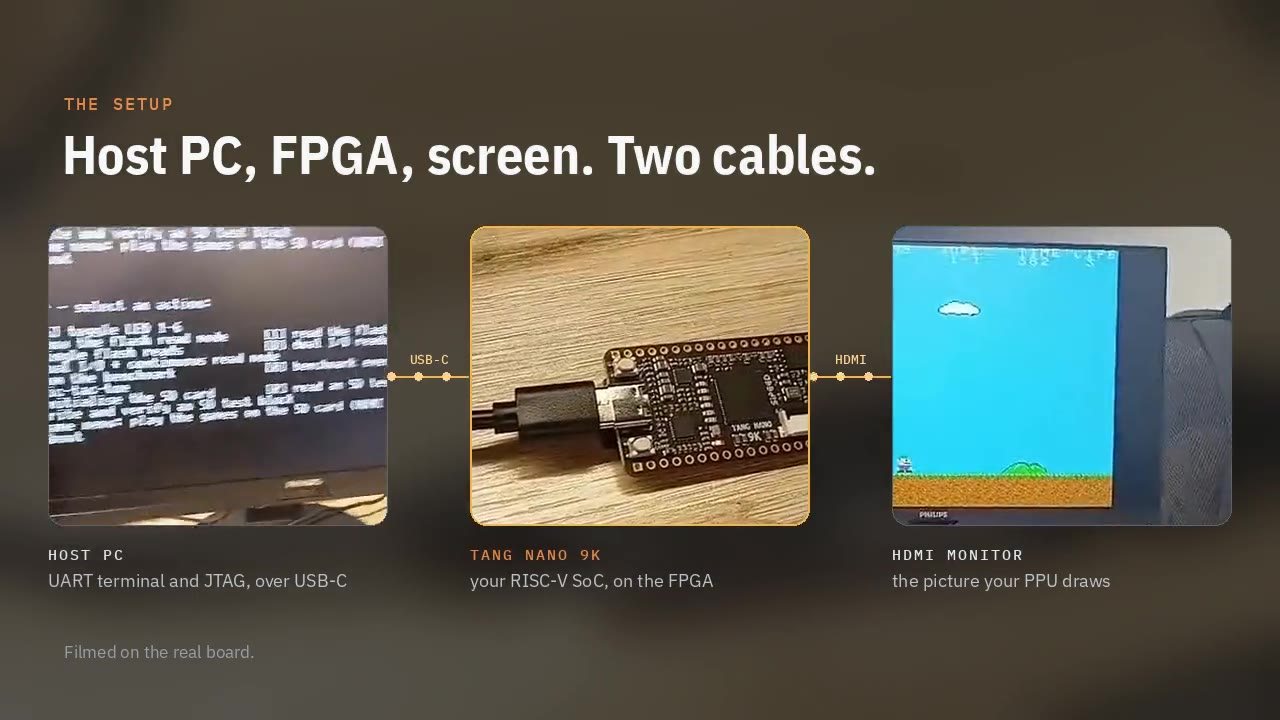
In this series we build a whole computer on a $25 FPGA board, the Sipeed Tang Nano 9K, and then make it play games. Not a computer from a kit: we write the RISC-V processor, the bus, the serial port, the flash and SD card controllers, a DVI-on-HDMI video output and a little graphics chip, and then the C that runs on all of it.
Every article takes one piece. It starts with what we are trying to do and what we need, then builds it from the real source of the NandTier project, a few lines at a time, explaining each piece before the next. Commands are shown as you would type them; code is shown with the file name and line numbers it has in the repository.
You need the board, a USB-C cable, an HDMI monitor and a microSD card. If you do not have the board yet, every program in the series also runs in the SoC Lab in your browser, cycle by cycle.
The series
- Installation & Getting StartedWhat we are building, the open-source toolchain that turns Verilog into a bitstream, and the first time the board lights up.11 min
- Debugging & UARTA serial port from a shift register and a counter, so the board can tell us what it is doing and listen to what we type.13 min
- The Bus and the Memory MapOne set of wires from the CPU to every device, an address decoder that picks the right one, and our first peripheral the CPU can blink.10 min
- Our First CPU, Part 1: Fetch and DecodeA RISC-V processor that does one thing at a time. The program counter, the register file, and turning a 32-bit word into "what to do".10 min
- Our First CPU, Part 2: Execute, Memory and ControlAn ALU that shares one adder, branches in a few gates, byte-sized loads and stores on a 32-bit bus, and the state machine that ties the core together.11 min
- From C to the Chip: Boot ROM and Linker ScriptsWhat has to happen between power-on and main(): a reset vector, a stack, zeroed memory, and a linker script that says where every byte goes.11 min
- Reading from the External FlashMaking a 4 MiB serial flash chip look like memory the CPU can run code from, with a small cache in front of it, and writing it from software.9 min
- SD Cards over SPIA byte-at-a-time SPI engine in hardware, and the C that wakes an SD card up, asks it questions and reads 512-byte blocks.11 min
- DVI on HDMI from Scratch: Timing and TMDSCount pixels and lines, turn every 8-bit colour into a balanced 10-bit symbol, and send three of them a pixel over four wire pairs at 250 Mbit/s.9 min
- Tiles and Sprites: a Picture ProcessorWhy games don't draw pixels, how a tile map, a sprite table and a palette describe a whole screen in a few kilobytes, and the C that drives them.9 min
- Our First Game: SnakeA whole game in 320 lines of C: the field as tiles, the snake as a ring buffer, a frame loop, a game-over screen and a computer player for the demo.11 min
- The Launcher: Loading Games from the SD CardA pack of games on the SD card, a directory the launcher can read, and the copy into the flash cartridge slot that ends with a jump into the game.9 min
Projects
The eight games on the SD card, all running on the processor we build. Each opens in the SoC Lab, where you can pause it and step through the C.
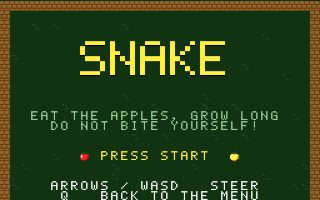 Snake
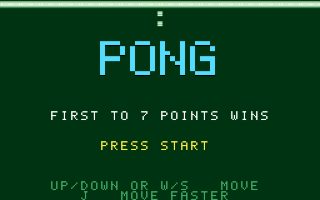 Pong
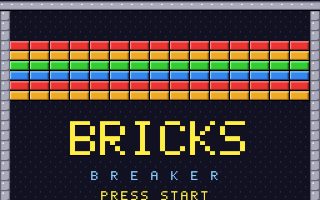 Brick Breaker
 Alien Raid
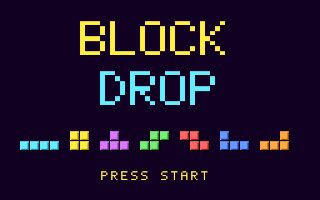 Block Drop
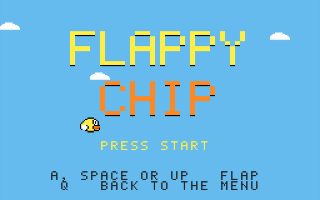 Flappy Chip
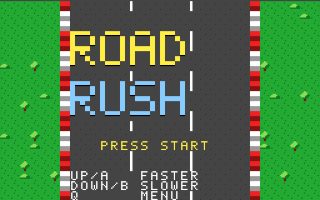 Road Rush
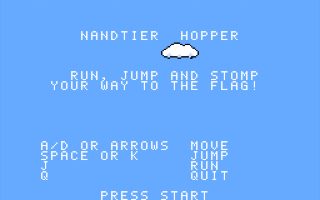 NandTier Hopper