A NandTier course

Gates to Games

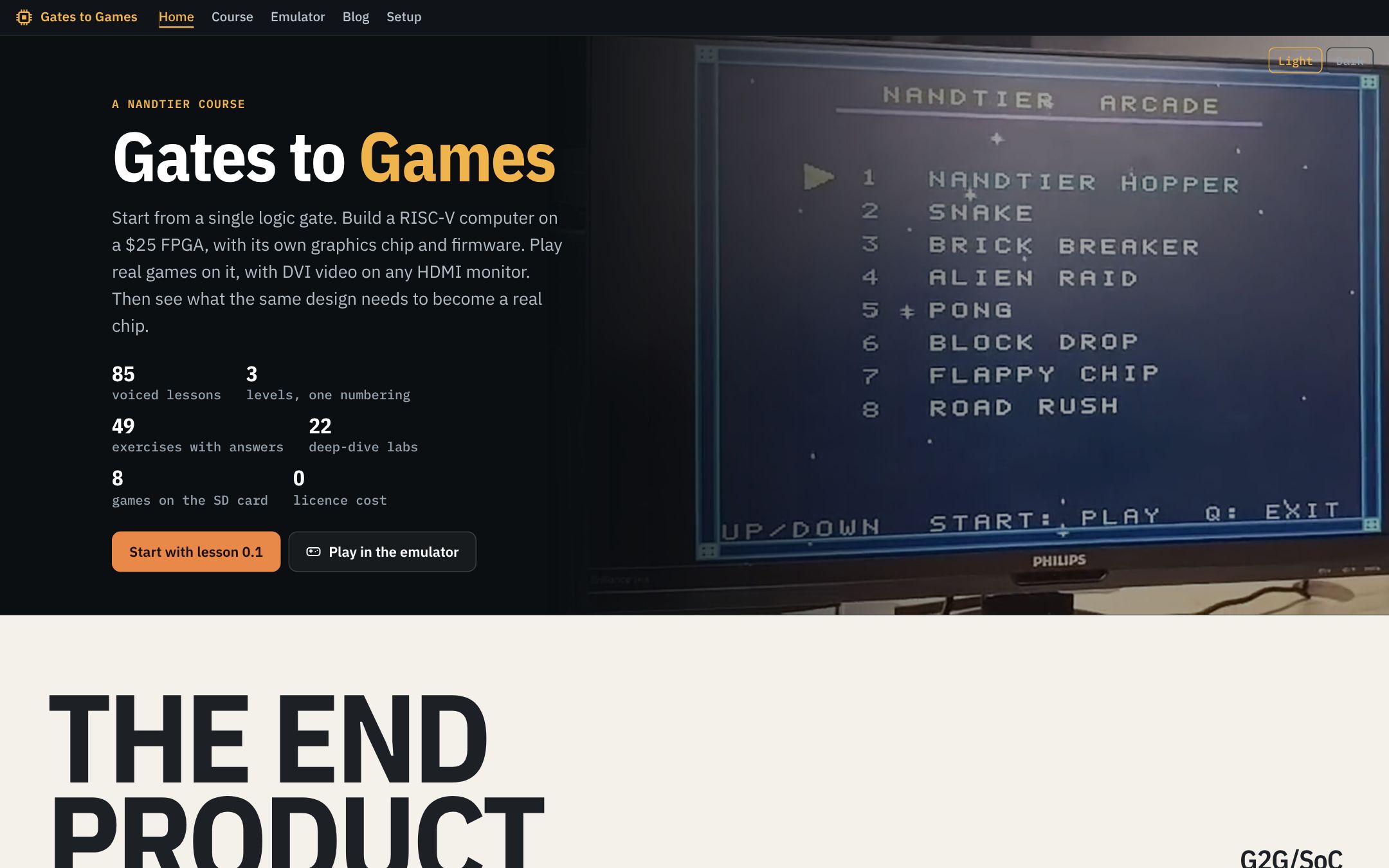
Start from a single logic gate. Build a RISC-V computer on a $25 FPGA, with its own graphics chip and firmware. Play real games on it, with DVI video on any HDMI monitor. Then see what the same design needs to become a real chip.

85voiced lessons3levels, one numbering49exercises with answers22deep-dive labs8games on the SD card0licence cost

The end
product

G2G/SoC
A RISC-V SoC you build, on a $25 Tang Nano 9K, playing games with DVI on HDMIFilmed on the real board · 50 s

The first half is filmed on the real setup: a host PC, the Tang Nano 9K and an HDMI monitor, then the boot menu over UART, the arcade menu, Hopper and Snake. The other six games are shown in the browser emulator, running the same firmware.

What you will learn · hardware and software, together

Build the chip. Write what runs on it.

Co-design means building both halves against one shared contract: a bit format, an instruction set, a memory map, a pin. Six steps, one machine. At every step the software card and the piece of hardware it has to agree with become the two faces of one box: the same thing, seen from two sides.

scroll
Software

Follow
the whole path

G2G/TOUR
The lab, the emulator, the course, a lesson, its deep dive, the blog: one walk through the site00:00
01

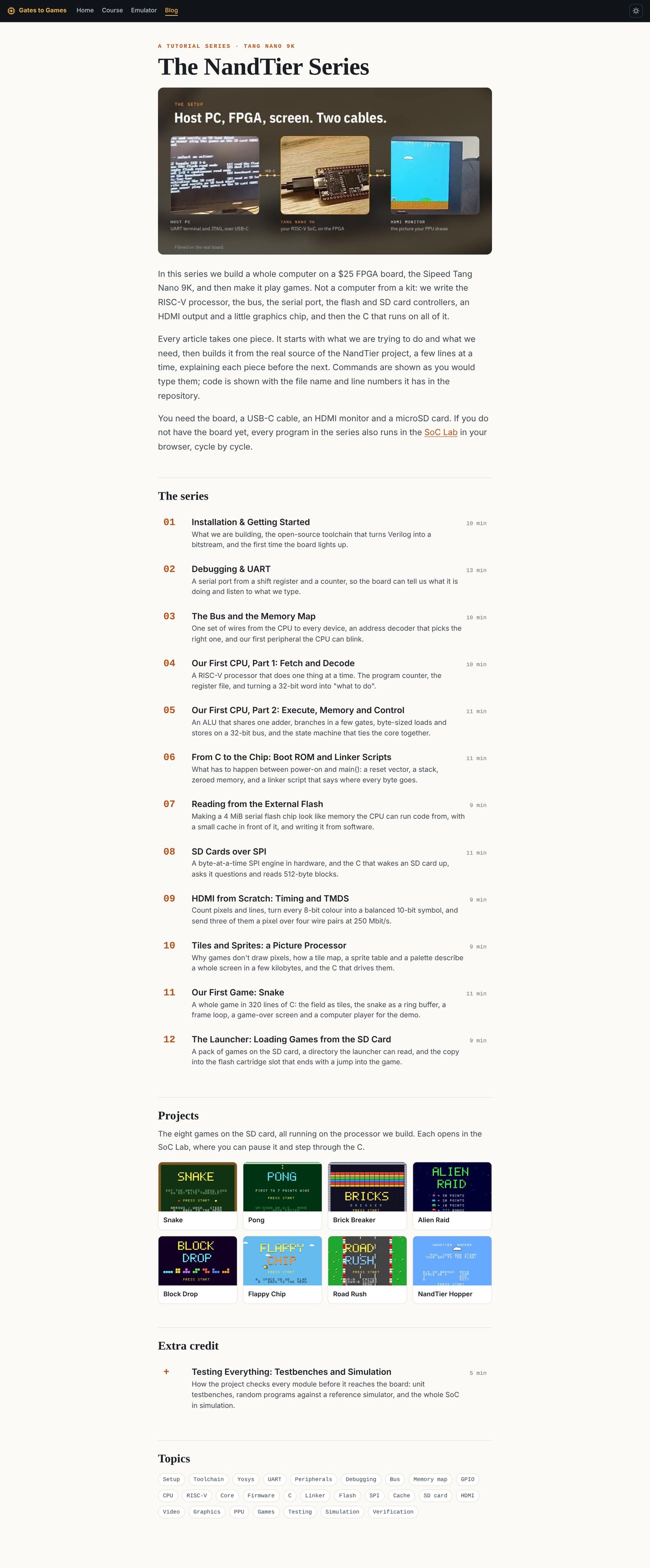
Eight games on the SD card

Each is a C cartridge. The launcher copies it from the SD card into flash and jumps to it; the PPU draws it with tiles and sprites. Hover a game to see it move.

Start with one gate.

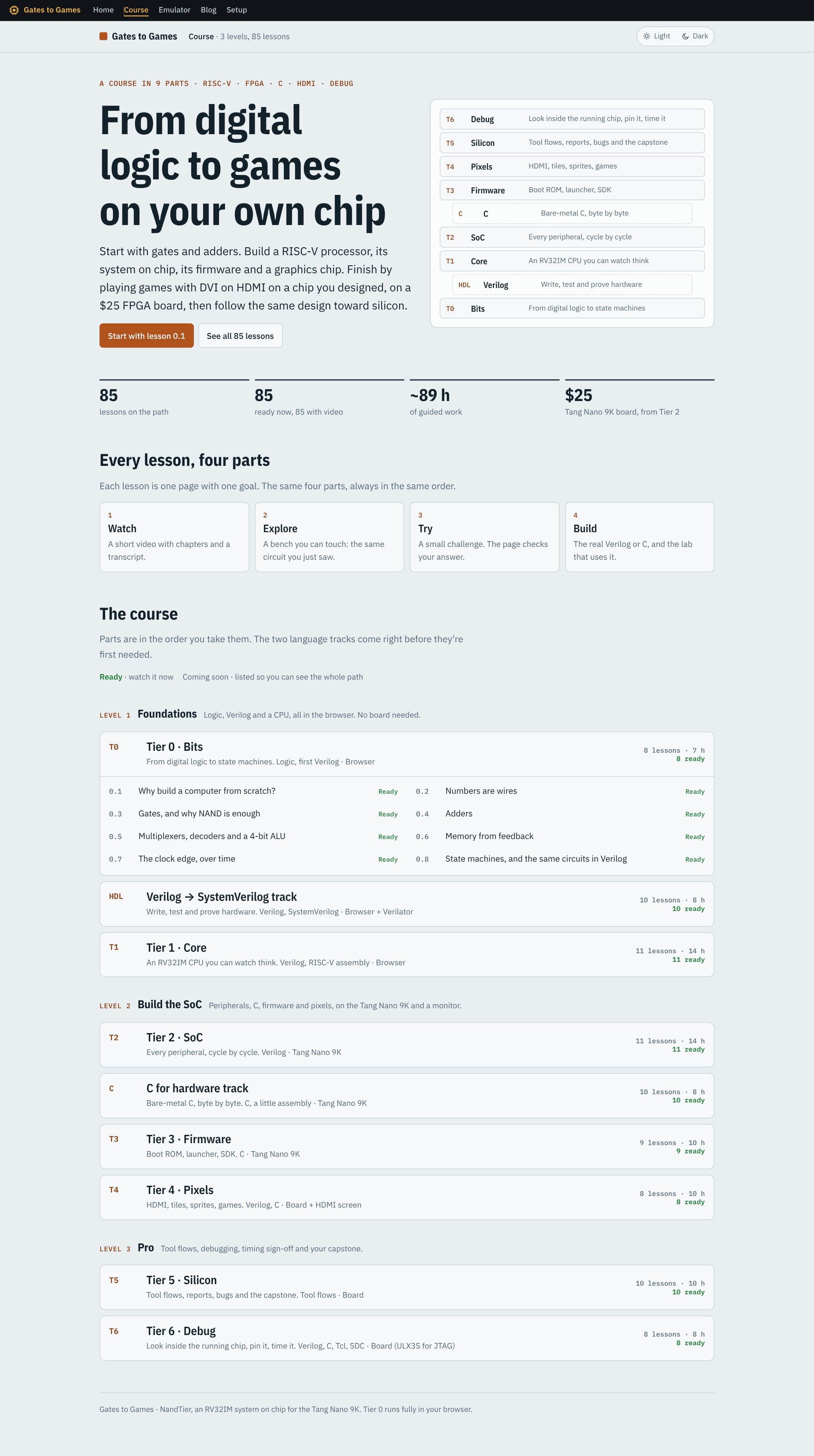
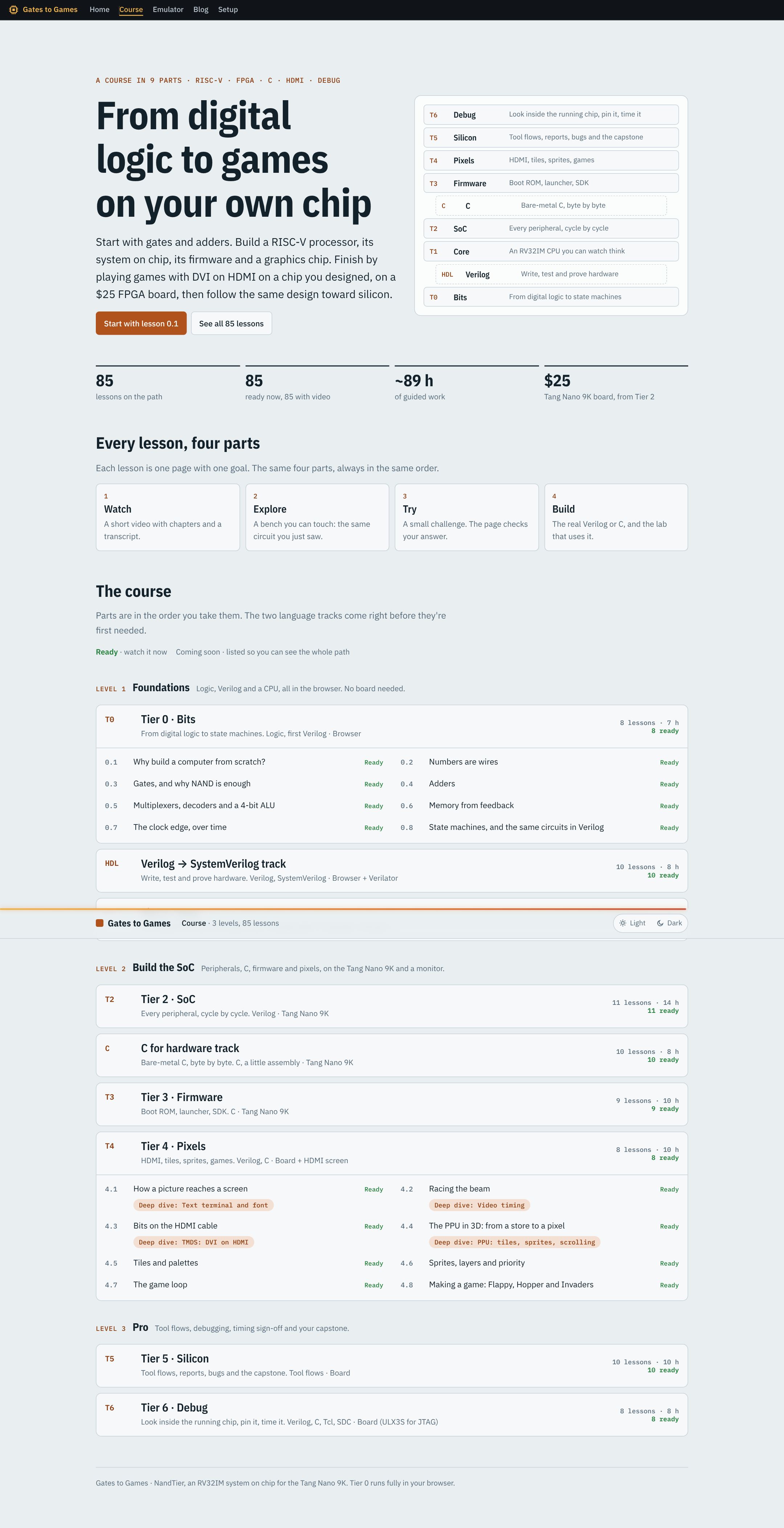
Eighty-five lessons, every one with a voiced video. Each has a bench to play with and quizzes that check themselves. Everything runs in your browser.

Everything here also works offline: download it from the Setup page, unpack it and double-click start.bat (Windows) or start.sh (Linux, macOS). The theme and your settings are saved in your browser.